MINECRAFT, WITH ROOM FOR MORE.

Your worlds. Your people.
One launcher.

A better place to begin. Bring your worlds, your community, and your creative tools together, without losing what makes Minecraft yours.

Open source Fair-play focused Java Edition
BUILT FOR THE WAY YOU PLAYExplore the layers

ONE WORKSPACE. EVERY SIDE OF MINECRAFT.

Built around
the way you play.

From the first launch to the next great build. Your worlds, your people, and your creative tools, thoughtfully connected.

YOUR WORLDS, ORGANIZED01 / 06

Every world.
Its own space.

Your survival world and your next modpack shouldn't share a mess of files. Give every setup the right version, loader, and room to grow.

  • Vanilla, Fabric, Quilt, Forge, and NeoForge
  • Separate worlds and mods, with a shared resource pack library
  • Universal game preferences with version-aware key bindings
  • Your Java, memory, and a real launch pipeline
Find your setup
CLARITY, NOT GUESSWORK02 / 06

Nothing hidden.
Not even the logs.

Know what happens between pressing Play and entering your world. Follow the actual process, find the problem, and get back to playing.

  • Separate console window with real game output and process state
  • Search, filter, pause scrolling, copy, and save logs
  • Saved themes, custom colors, text size, and line wrapping
  • Stop, restart, and understand crash exit information
See the launch tools
MAKE YOUR MARK04 / 06

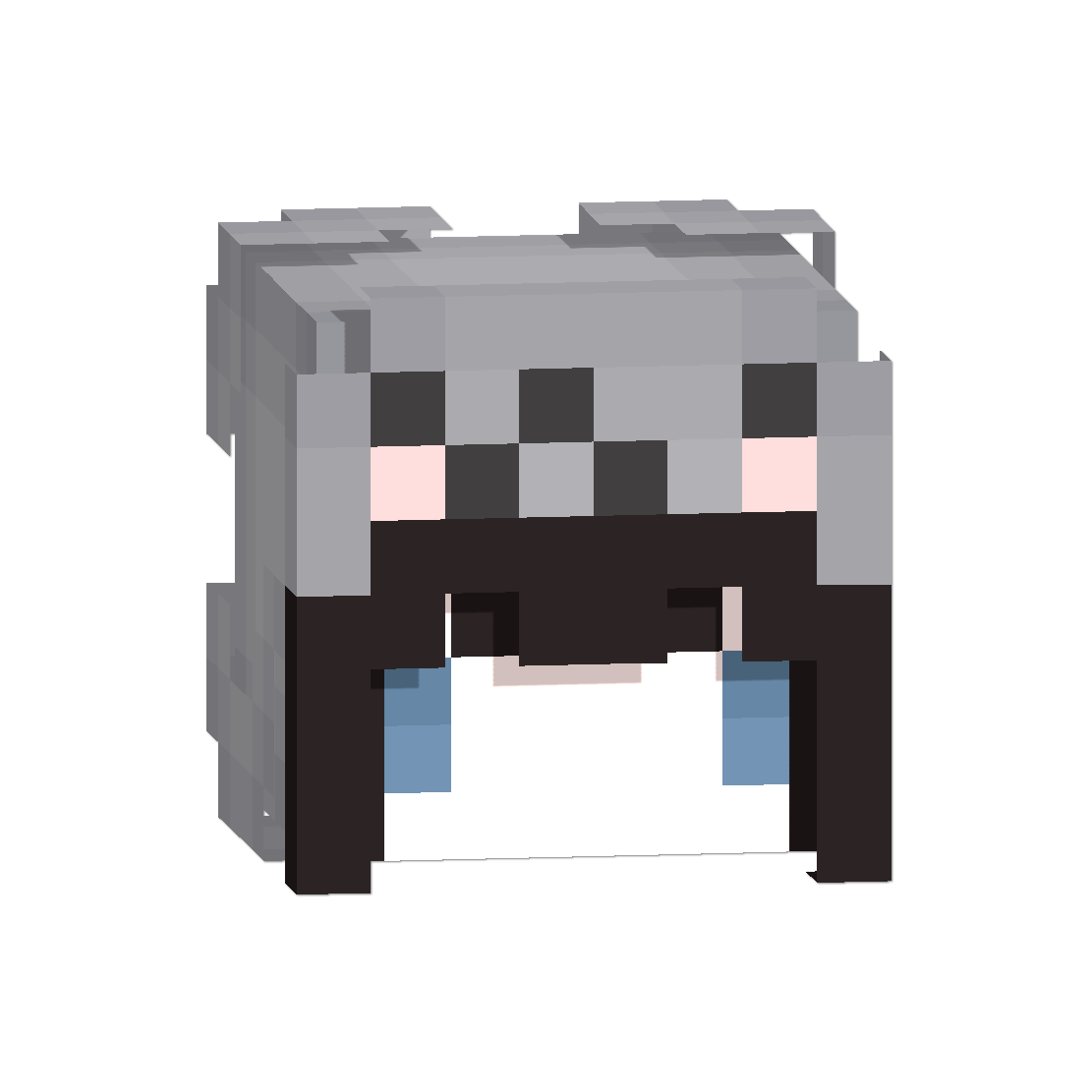
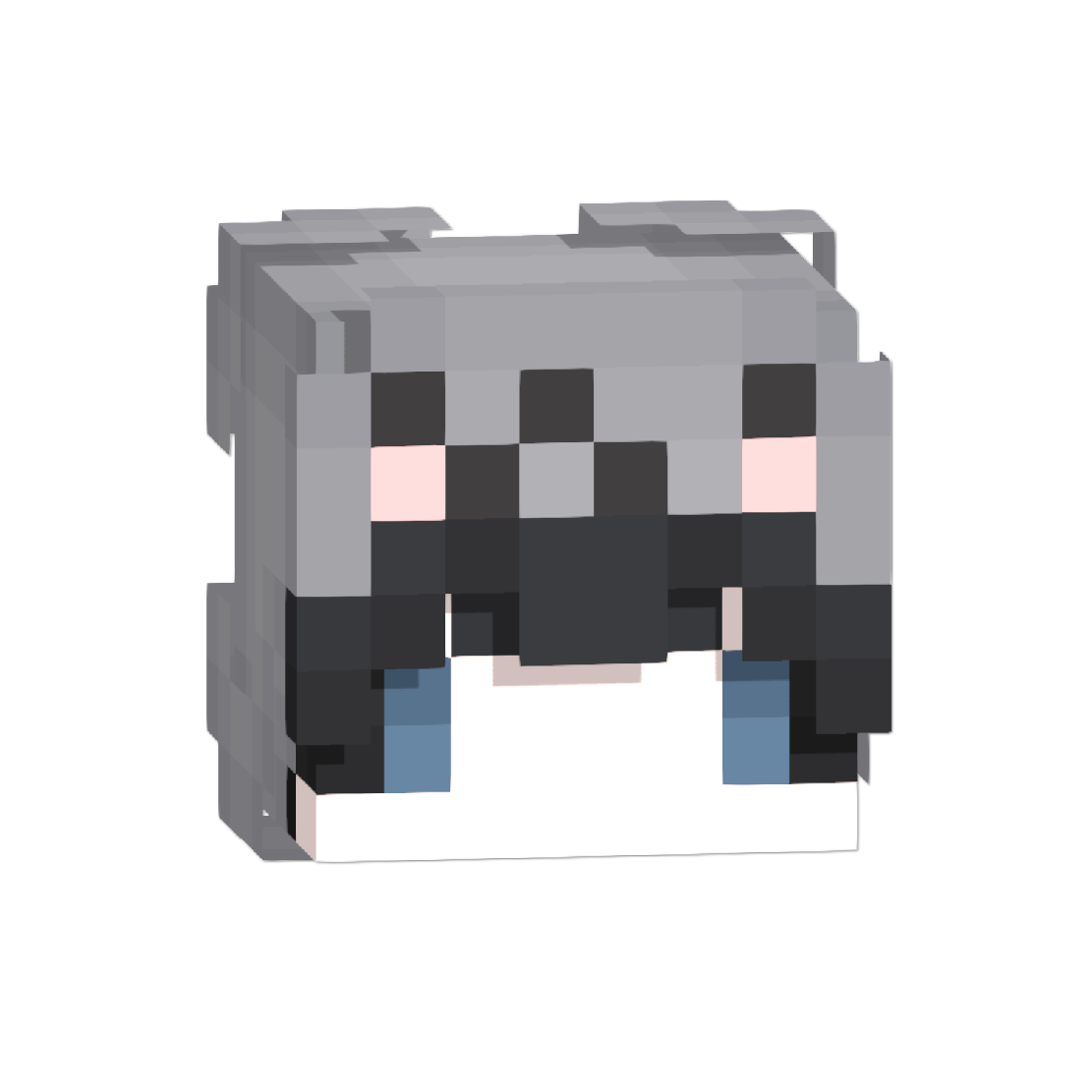
Made by you.
Pixel by pixel.

From a first brushstroke to a completely new look. Paint your skin, turn the model, preview a cape, and take your identity with you.

  • Connected 2D UV editing and 3D model preview
  • Brush, eraser, color, opacity, brightness, undo/redo
  • Steve/Alex, body parts, inner/outer layers, and poses
  • PNG import/export, cape preview, and profile saving
Inside Skin Studio
FAIR PLAY, BY DESIGN05 / 06

Trust the setup.
Respect the game.

Useful protection begins with understanding what's being launched. Inspect instance files, check integrity, and keep the decisions transparent.

  • Malformed archives, unsafe paths, and duplicate mod IDs
  • Cheat-focused capability checks with local reports
  • SHA-256 fingerprints and managed KeyClient repair
  • No kernel monitoring or unrelated activity scanning
Understand the protection Client-side integrity checks complement, not replace, server anti-cheat.
THE DETAILS MAKE THE DIFFERENCE06 / 06

Your game.
A little more yours.

Keep the information you want and leave out the noise. Bring KeyClient's useful overlays into the game, with practical controls around it.

  • Movable HUDs, FPS, CPS, keystrokes, and coordinates
  • Compatible Modrinth content and supported client bundles
  • Microsoft game sign-in, separate optional Cloud identity
  • Themes, Java settings, guided setup, updates, and support
Explore KeyClient

Feature coverage describes the current source build; packaged releases can differ. Social features and profile sync need a configured Keyverse Cloud account. Check the guides and requirements ↗

READY IN MINUTES

A launcher that shows its work.

  1. 01
    Install KeyVerse

    The guided Windows installer lets you choose where it lives, then creates the shortcuts you want.

  2. 02
    Sign in securely

    Microsoft device-code sign-in keeps your password out of KeyVerse and your account under your control.

  3. 03
    Create, tune, and play

    Pick a Minecraft version and loader, tune your setup, add compatible mods, and launch.

ABOUT US

Made by players who wanted the launcher to get out of the way.

KeyVerse is an independent Minecraft Java launcher built by Ahti and Kiki. We care about fast starts, transparent downloads, clean organization, and quality-of-life tooling that respects servers and mod authors.

It is a performance and utility project, not a cheat client. Minecraft credentials stay on your device; optional Keyverse Cloud powers social profiles. The launcher never asks for your Microsoft password.

Our fair-play and privacy approach

NOW AVAILABLE / 1.4.5

A sharper way
to start playing.

Version 1.4.5 focuses on the parts of a launcher that should simply feel dependable: a clearer workspace, real modpack installation, calmer launch tools, and a more considered visual system.

Get Keyverse 1.4.5
KEYVERSEv1.4.5
THE 1.4.5 RELEASEMore ready.
Less to manage.
  • One-click Modrinth modpacksVerified packs become real, separate instances.
  • Automatic download repairTransient setup downloads can retry and recover.
  • A more useful live consoleFocused output, controls, and saved appearance settings.
  • New cube identityA refined launcher and website mark with deeper texture.

THE COMPLETE TOOLKIT

Every part of your setup, with a place of its own.

Each product card is a focused view into the launcher—not a vague promise. Build the setup you need, then let the rest stay out of the way.

01 / SETUP

Instances, organized.

Separate versions, loaders, files, worlds, and launch settings.

Explore instances
02 / VERSIONS
VANILLAFABRICFORGE

The right version.

Choose a release, pair it with the right loader, then keep it isolated.

Manage versions
03 / MODPACKS

Modpacks that install.

Choose a verified Modrinth release and get a ready, local instance.

Find a modpack
04 / CONTENT

Mods, packs, and shaders.

Browse compatible content and keep every file where it belongs.

Browse content
05 / PERFORMANCE

Performance with context.

Memory, Java, launch options, and repair tools that explain themselves.

Tune your setup
06 / CONSOLE
> resolving profile> verifying assets> minecraft running

A console you can use.

Follow the launch, filter output, save logs, and understand the result.

Open the console guide
07 / FAIR PLAY
LOCAL CHECKS

Protection without guesswork.

Inspect unsafe archives and clear known-risk signals without blocking normal mods.

See Fair Play Guard
08 / STUDIO

Make the skin yours.

Paint, preview, import, and export from one connected skin workspace.

Enter Skin Studio
10 / PERSONALIZE

Make it feel like yours.

Launcher themes, console themes, icon choices, HUD layouts, and settings that persist.

Personalize Keyverse

GOOD TO KNOW

Questions, answered clearly.

Need more detail? The documentation goes deeper into installation, profiles, launch tools, and safety checks.

What is new in Keyverse 1.4.5?

1.4.5 introduces the new cube identity, a refined launcher layout, one-click Modrinth modpack installation, automatic download repair, and a more customizable live console.

Do modpacks install as separate instances?

Yes. A selected Modrinth pack creates its own local profile and game directory, so its mods, worlds, configuration, and loader do not overwrite another setup.

Does Fair Play Guard block normal mods?

No. It is designed to surface malformed archives, unsafe paths, and clear risk signals while allowing ordinary compatible mods to launch.

Where do my worlds and files live?

Each instance keeps its own Minecraft directory. Shared preferences and compatible resource packs can be managed from the launcher without mixing individual worlds.

Do I enter my Microsoft password in Keyverse?

No. Microsoft account sign-in uses the device-code flow, so the launcher does not ask for or store your Microsoft password.

Which platforms have a packaged installer?

Keyverse 1.4.5 has installers for Windows, macOS, and Linux. Choose your platform below to download the right package.

GET KEYVERSE

A clean start.

Install the Windows release, or build the open-source launcher for your platform. No ambiguous download buttons.

Need release details or an earlier version? Browse all releases